
OUR WORK / Emergency response
IMICS Gen11
IMICS Rebuild & Real-Time Emergency Management Architecture
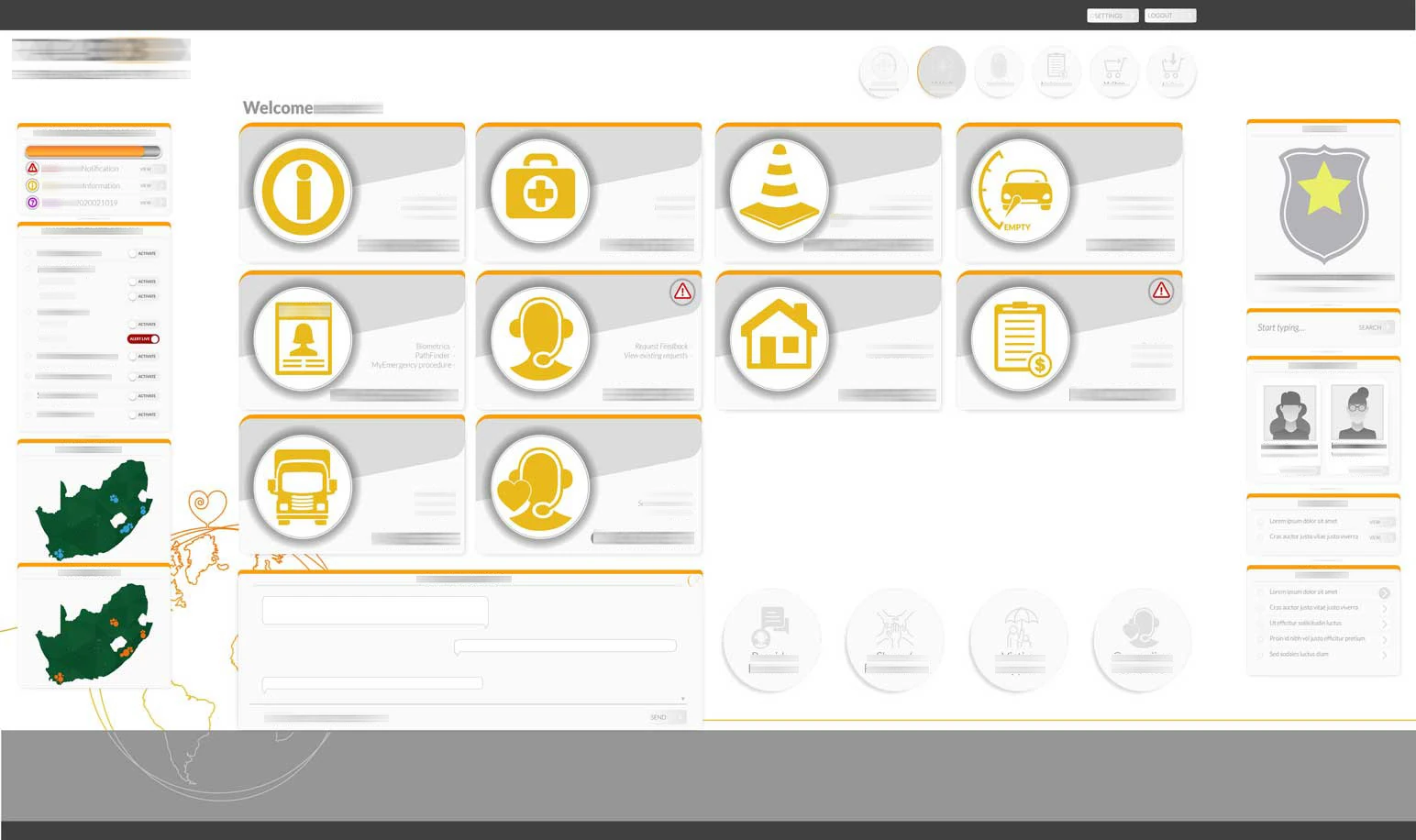
IMICS (Incident Management & Information Capturing System) is a mission-critical case management platform developed for TrackBox’s emergency response operations. Designed to manage real-time emergency activations, structured response protocols, and full case lifecycle documentation, the system serves as the operational backbone of control room coordination across a large client base.
- Client / organisation
- TrackBox
- Connected capabilities
- Architecture · UX · Real-time operations
- Project context
- Legacy platform rebuild
Our involvement Collaborative development, with frontend and architectural direction led internally and backend contributions from an external engineer.
THE CONTEXT
A rebuild. And an architectural reset.
IMICS (Incident Management & Information Capturing System) was the operational backbone of TrackBox’s emergency response environment.
Over time, the legacy system had grown organically — features added incrementally, workflows extended reactively, patches layered over patches. It functioned, but it was unstable. Bugs were increasing. Scale was constrained. Architecture was fragmented.
A rebuild was necessary. But not another patchwork version. Gen11 became both a rebuild and a full architectural reset.
THE STRATEGIC CHALLENGE
Strategic challenge
The mandate was clear: retain every core function of the legacy IMICS while eliminating instability and technical debt. The system needed architectural discipline to prepare it for national and international scale.
This required more than development. It required architectural discipline.
- Replicate every core function of the legacy IMICS
- Eliminate instability and technical debt
- Future-proof for scale, from national to international
- Support 100,000+ clients
- Enable real-time emergency activation via app
- Formalise emergency response protocol logic
- Build modularly for future integrations
The foundations
The architectural foundations of Gen11
Gen11 was built on two foundational principles: formal architectural design before development, and operational UX engineered for high-stress environments.
This ensured the system was structurally sound, cognitively clear, and scalable from day one.
Architectural inflection point
Design before development
Before development commenced, a critical decision was made: the system would not be rebuilt without a written architectural design.
The previous version had grown through accumulation. Gen11 would be built through design. A full architectural scope was defined upfront, including the modular structure, data flows and integration pathways. Only once the architecture was formalised did development begin.
- Modular system structure
- Data flow mapping
- Event-driven logic
- Role-based permissions framework
- Real-time socket architecture
- Protocol engine logic
- App integration pathways
- Long-term scalability modelling
The system would not be rebuilt without a written architectural design.
UX/UI & process engineering
Clarity under pressure
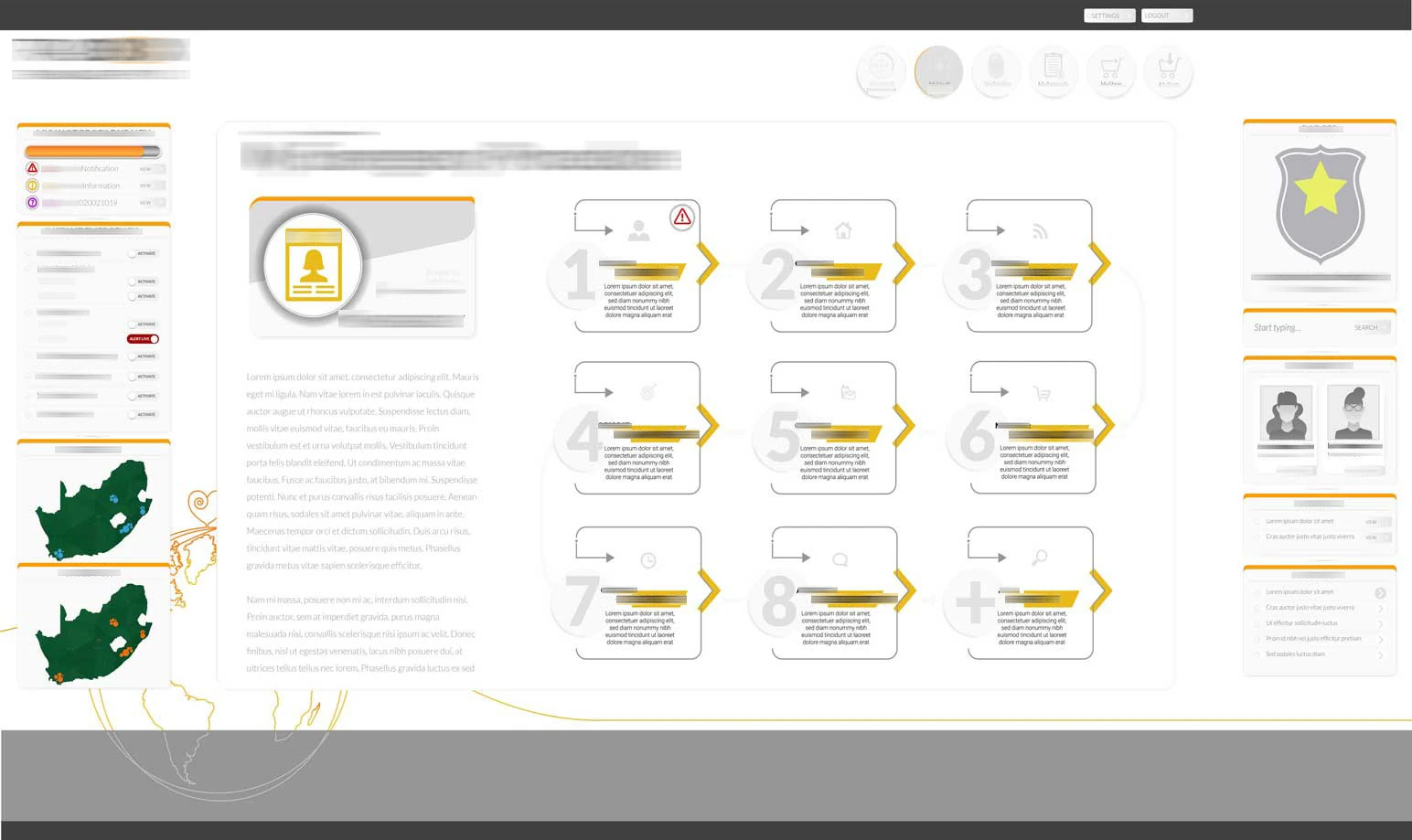
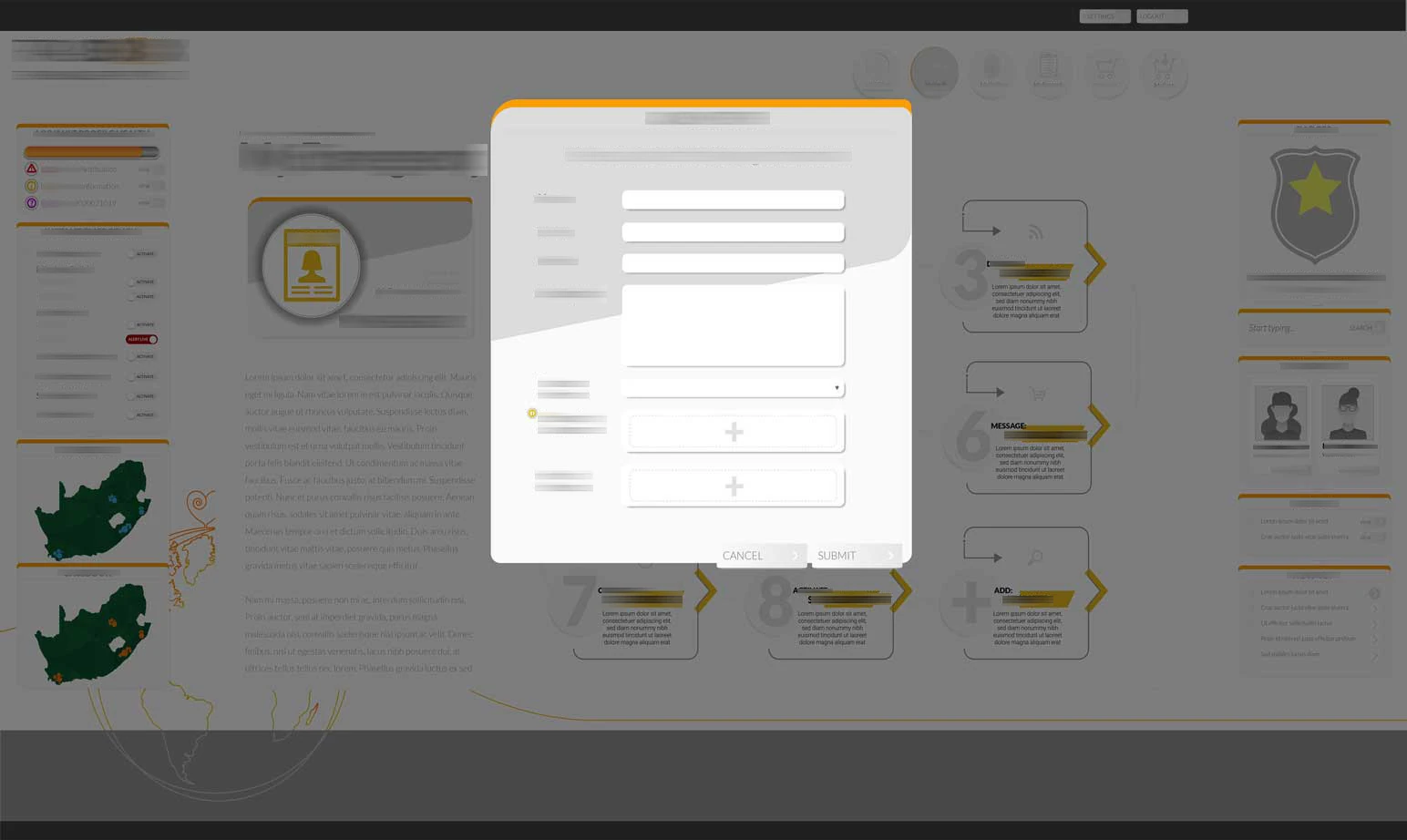
Emergency systems fail when they are cognitively heavy. The entire UX architecture and process flow were designed from scratch for the needs of high-pressure control-room work.
Complex back-end logic was translated into operational clarity at the interface level. This was systems design — not screen design.
- Reduce operator friction
- Clarify workflow state
- Surface critical information first
- Minimise decision ambiguity
- Enforce protocol discipline
- Maintain speed without sacrificing control
Strategic approach
A layered system for resilience and scale
Gen11 was developed as a layered system — beginning with structural integrity, extending into protocol enforcement, and culminating in real-time emergency orchestration.
The result is a cohesive platform designed for resilience and scale.
Structural rebuild
Modular architecture, clear operational roles
Gen11 was engineered as a modular system. Components could evolve independently without destabilising the whole.
Role-based access control was implemented to manage permissions across control room operators, administrators, and system managers. This was infrastructure designed for operational clarity and scale.
- C# backend architecture
- PostgreSQL database
- Vue front-end framework
- WebSockets for real-time communication
- Event buses for internal system messaging
Live protocol engine
Make response procedures configurable
One of Gen11’s defining capabilities was the dynamic Protocol Engine. Emergency response is not improvisation — it is procedure.
Protocols were not hard-coded. They were configurable, enabling operational leadership to refine response frameworks without redeploying code. This transformed IMICS from a tracking tool into a procedural enforcement system.
- Configurable protocol flows
- Admin-created protocol structures
- Step-by-step case handling guidance
- Escalation logic
- Automated triggers
- Time-stamped action tracking
Real-time infrastructure
From activation to a traceable case record
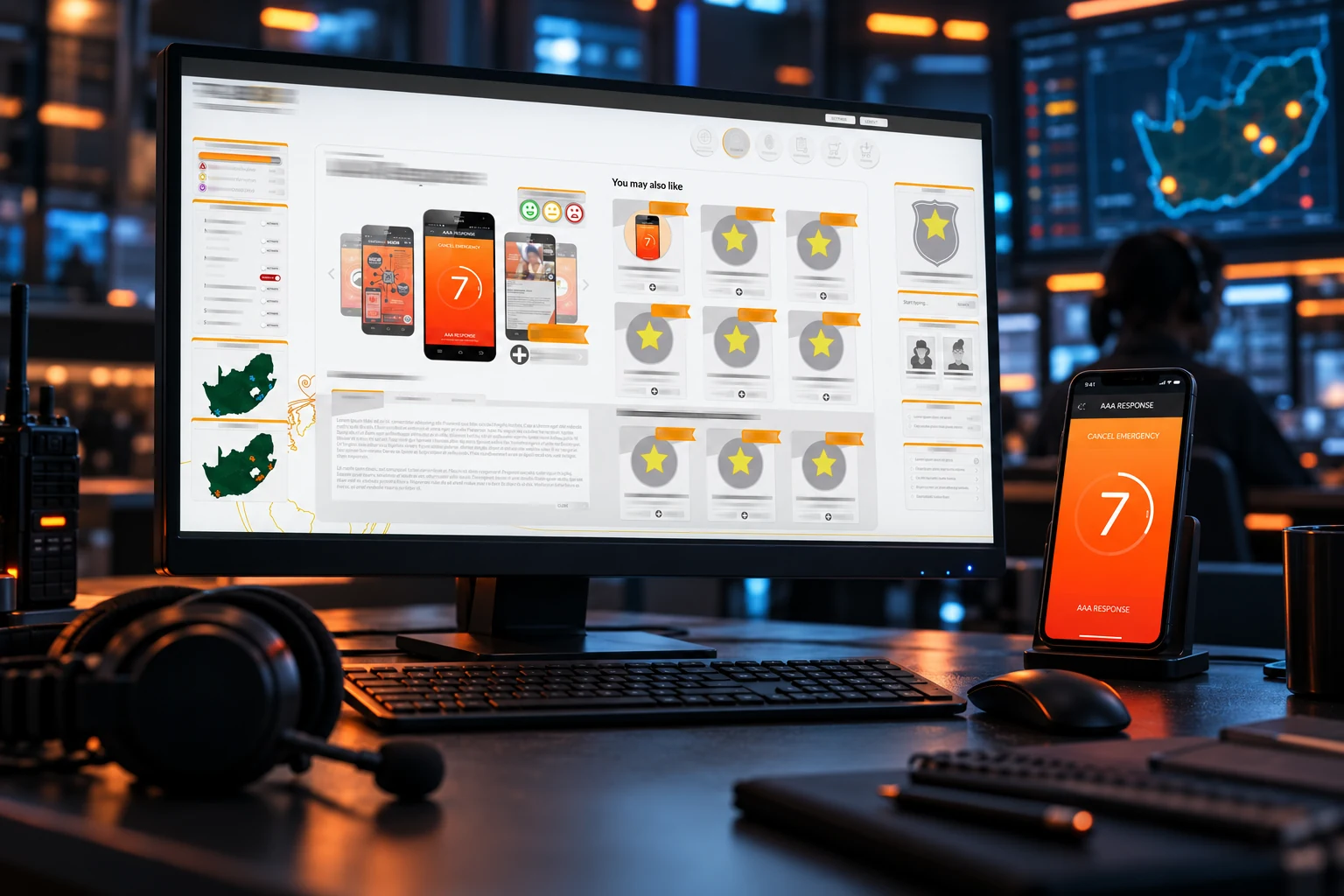
Gen11 integrates directly with the AAA Response app through an event-driven API architecture, enabling a seamless activation-to-response flow.
When an emergency is triggered, a live alert appears within IMICS, a case is automatically created, geo-location streams in real time, operators receive WebSocket notifications, and the relevant response protocol is initiated and guided.
This eliminates manual escalation delays and ensures structured response from the first interaction.
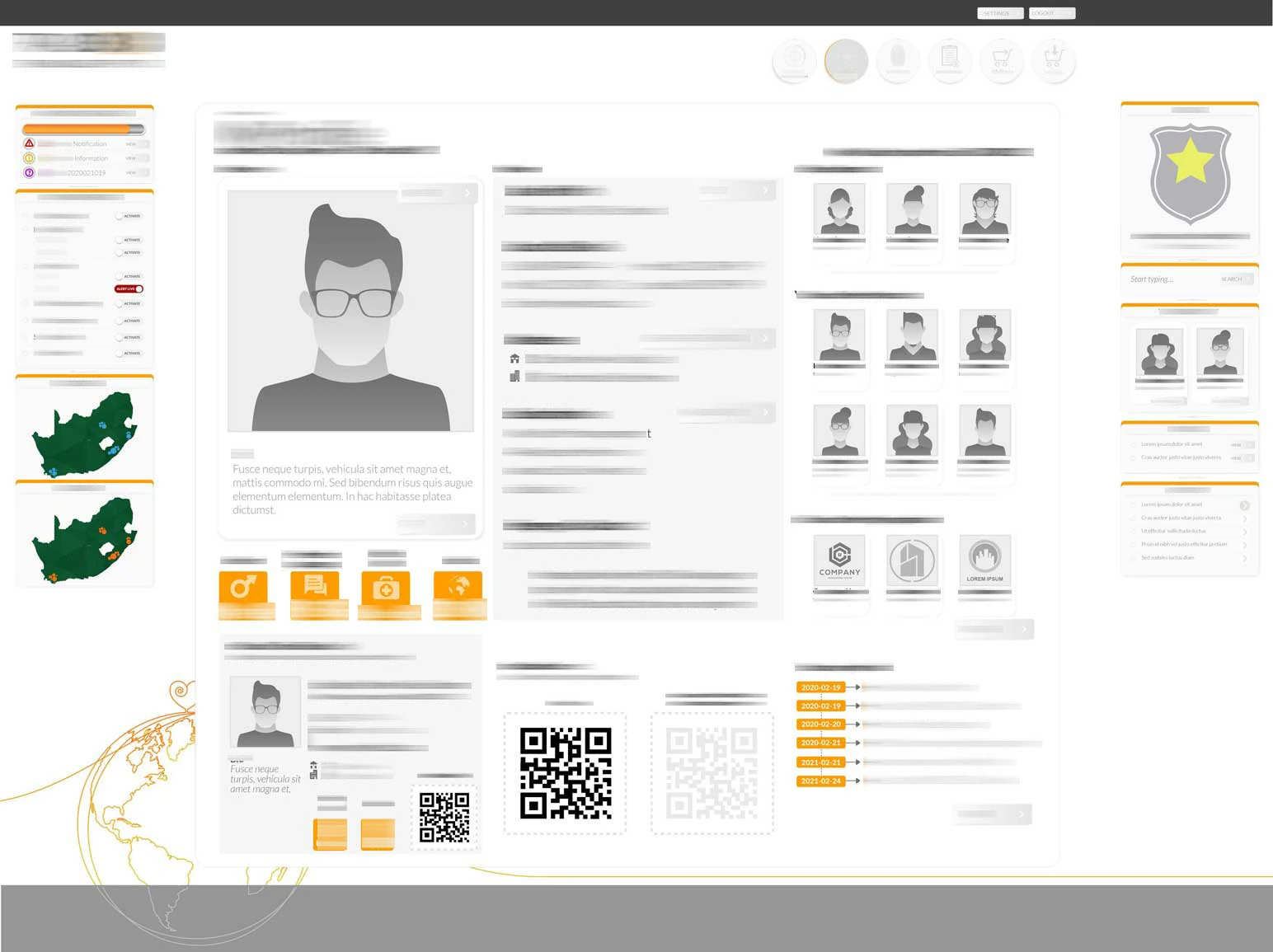
The system then manages and records the full incident lifecycle — including communications, client history, protocol adherence, escalation actions, and final resolution — creating a complete, traceable operational record from activation to closure.
- A live alert is generated within IMICS
- A case is automatically created
- Geo-location data streams in real time
- Operators receive instant visibility via WebSocket notifications
- The relevant response protocol is initiated and guided
FROM STRATEGY TO EXECUTION
Execution detail
The delivery brought architectural scoping, operational process design, interface development and real-time integration into a coordinated rebuild.
Development was collaborative, with backend contributions from an external engineer and frontend + architectural direction led internally.
- Full architectural scoping and system modelling
- Process mapping of legacy workflows
- Modular system design documentation
- UX wireframing across all system states
- Protocol engine logic design
- Role-based permission structuring
- Front-end build (Vue)
- Backend development (C# / PostgreSQL)
- Real-time socket implementation
- Event-driven API integration
- Project management across development teams
- Multi-developer coordination
WHAT THE WORK ENABLED
Impact
Gen11 delivered a stable rebuild of a failing legacy system, with modular architecture capable of scale, real-time emergency response visibility, structured protocol enforcement and international readiness.
Built to support 100,000+ clients and optimise the control-room environment for 10+ operators, it transformed a reactive emergency tool into a structured operational ecosystem.
- A stable rebuild of a failing legacy system
- Modular architecture capable of scale
- Real-time emergency response visibility
- Structured protocol enforcement
- International readiness
- Support for 100,000+ clients
- Control room optimisation for 10+ operators
Client support capacity
Built to support this client scale; not a count of newly acquired customers.
Control-room operators
Control-room workflows designed for a team of this scale.
Activations to case records
Live activations, guided response protocols and complete case histories connected in one operational platform.

FROM OUR PARTNERS
THE PROJECT, IN DETAIL
The work behind
the story.
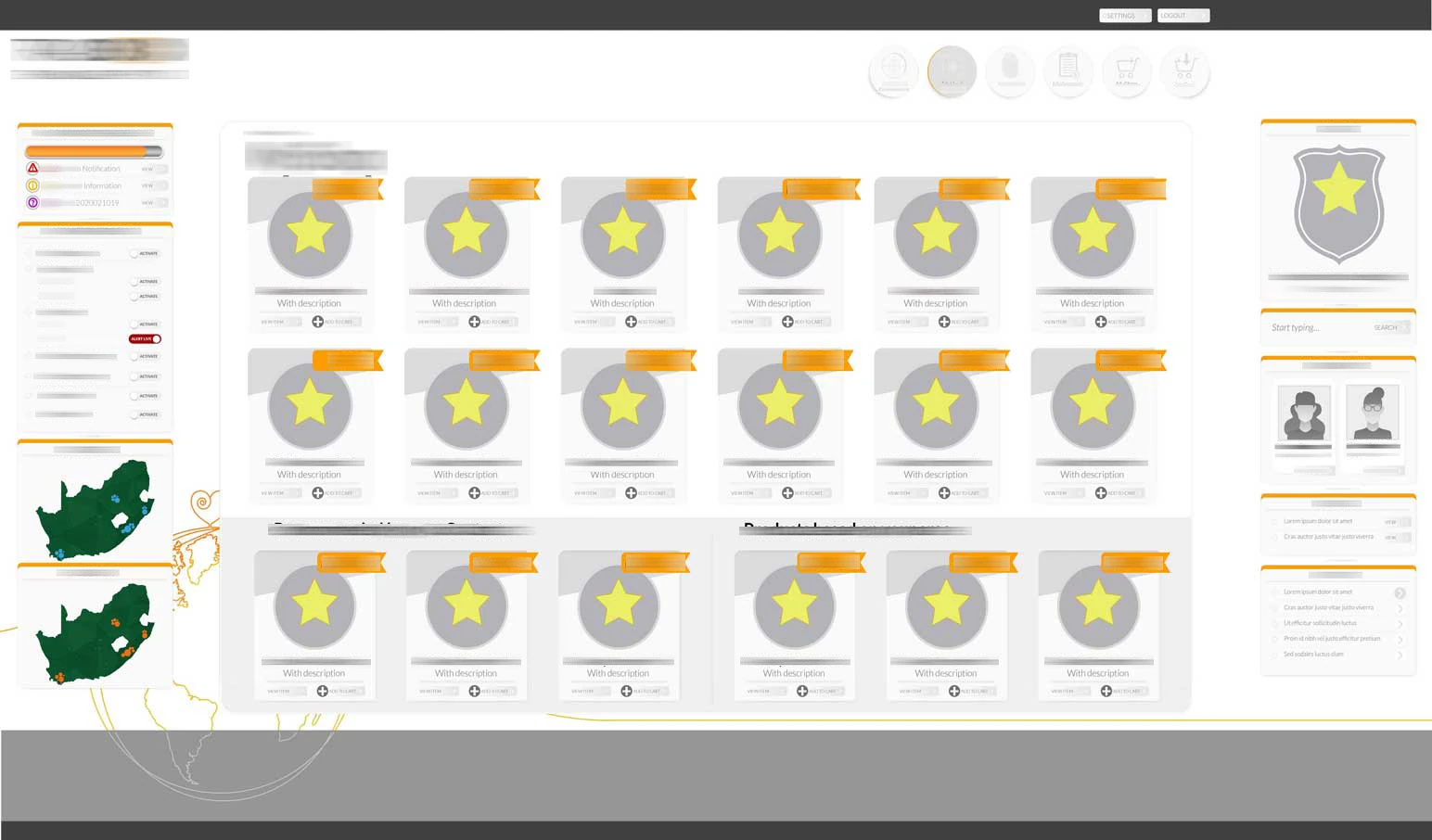
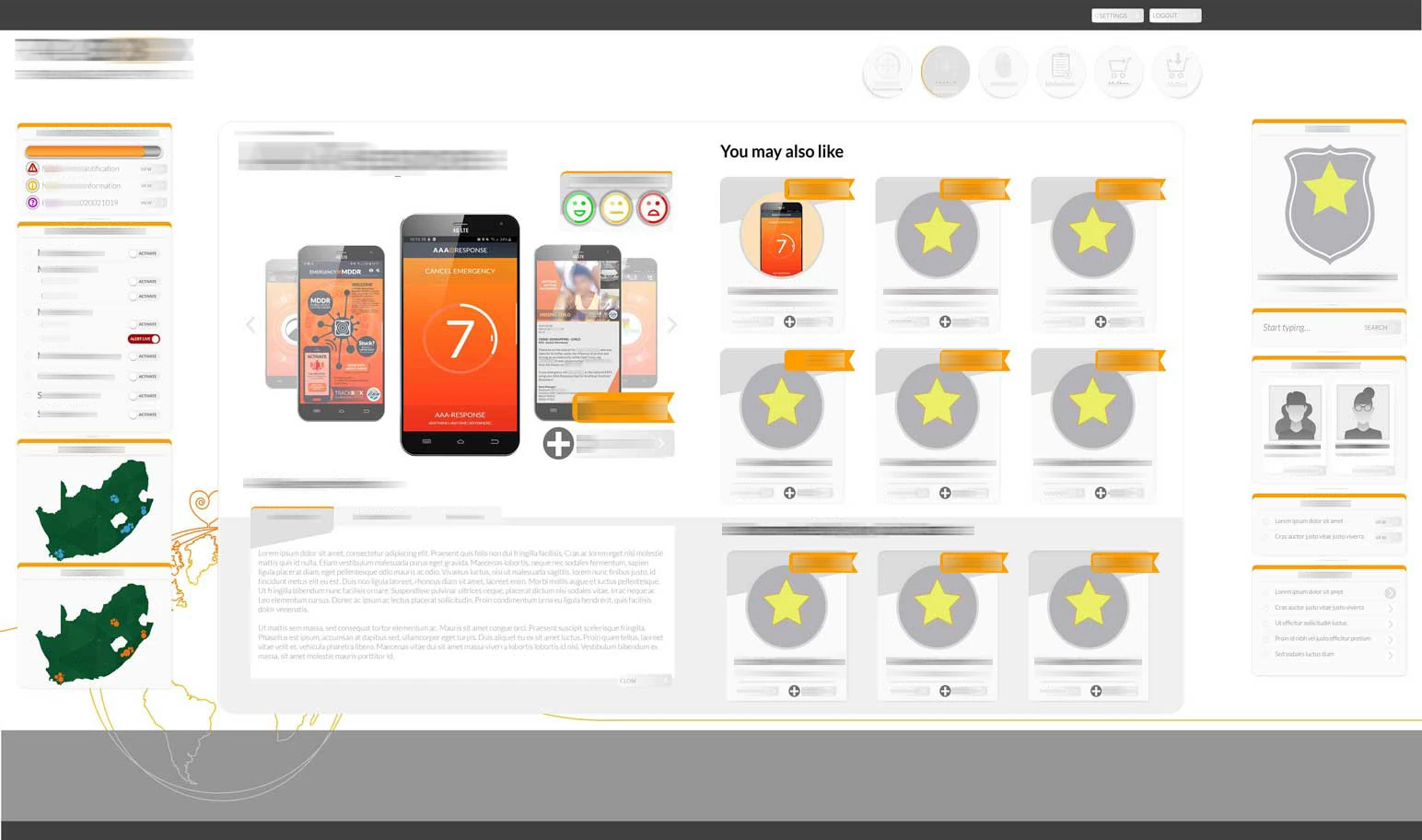
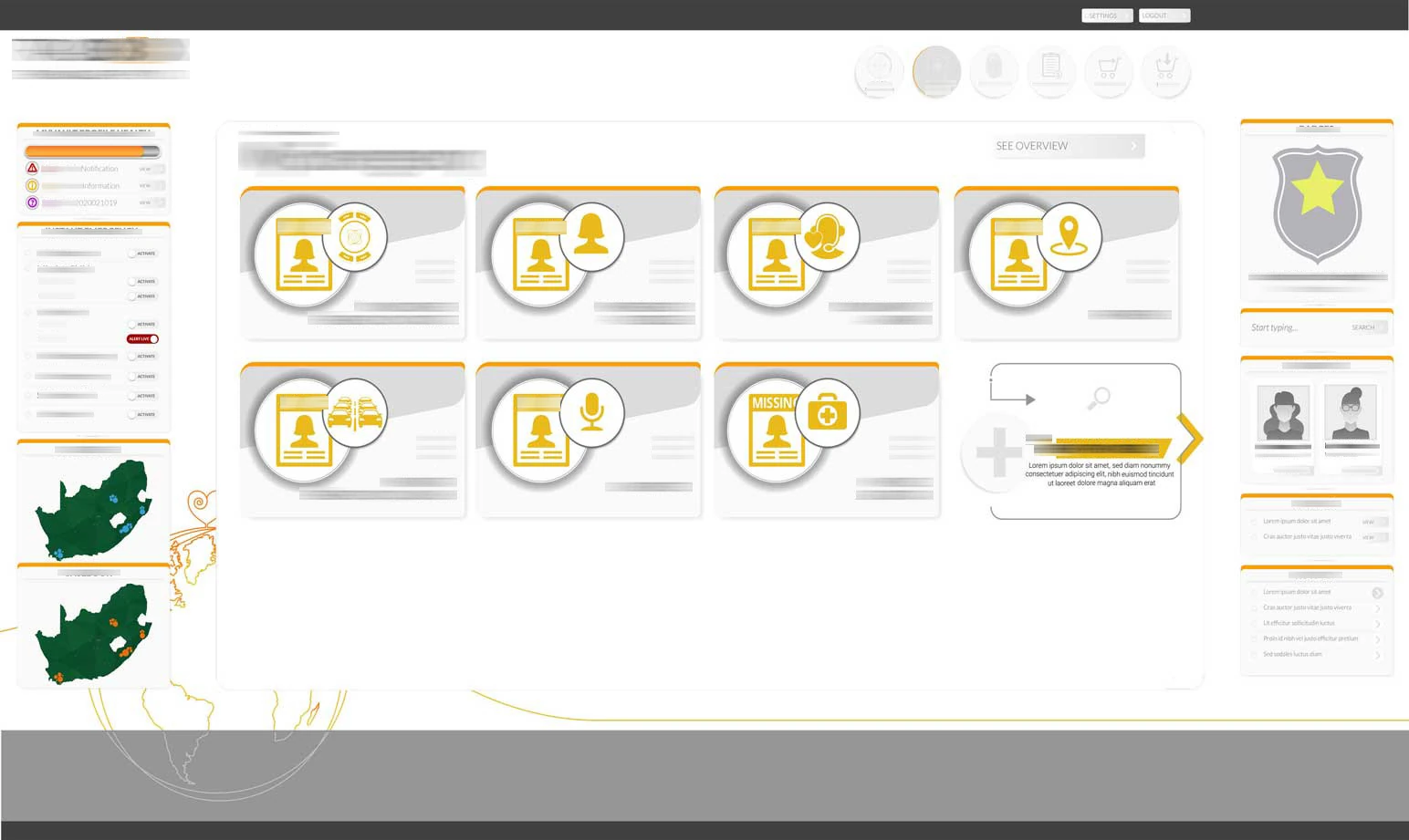
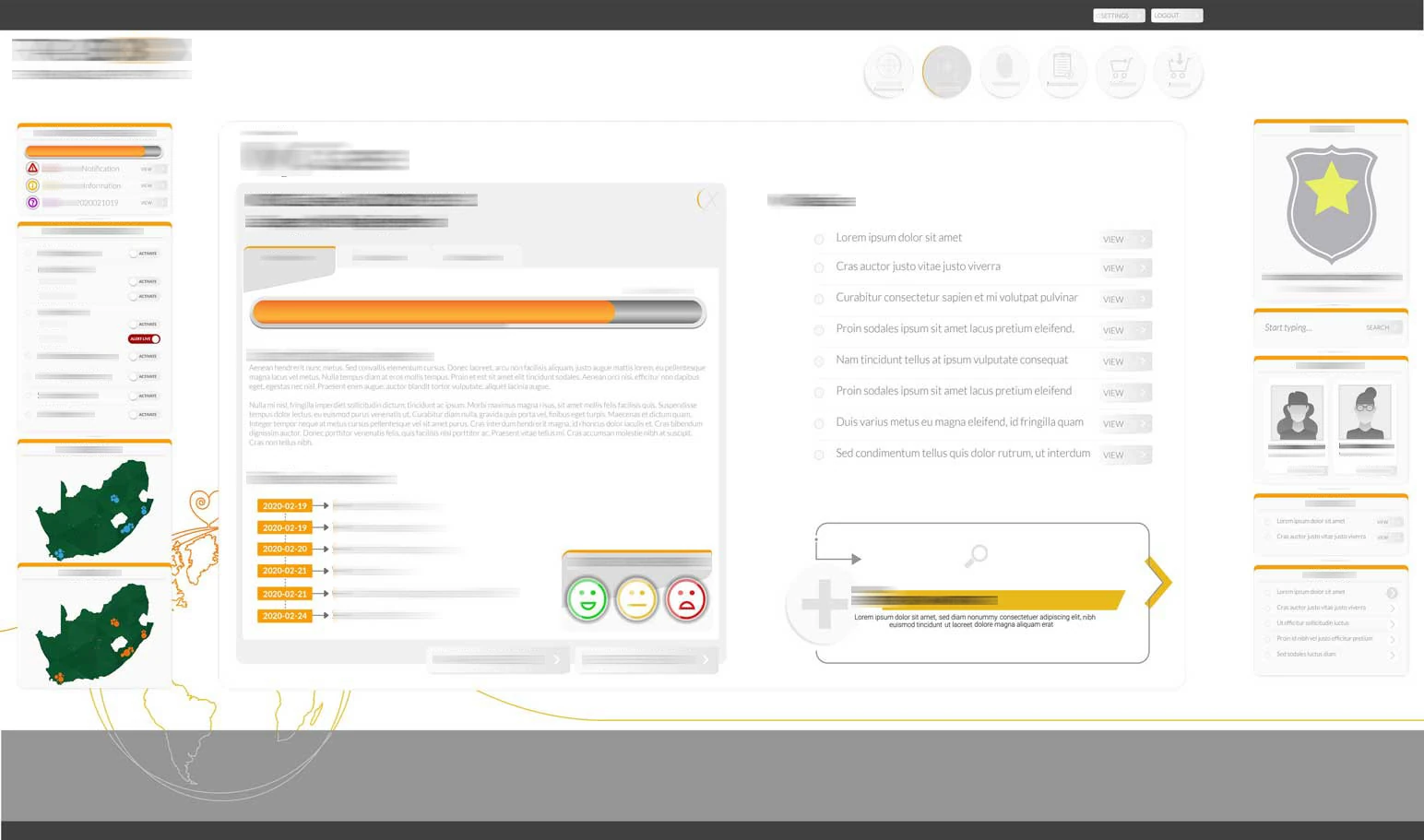
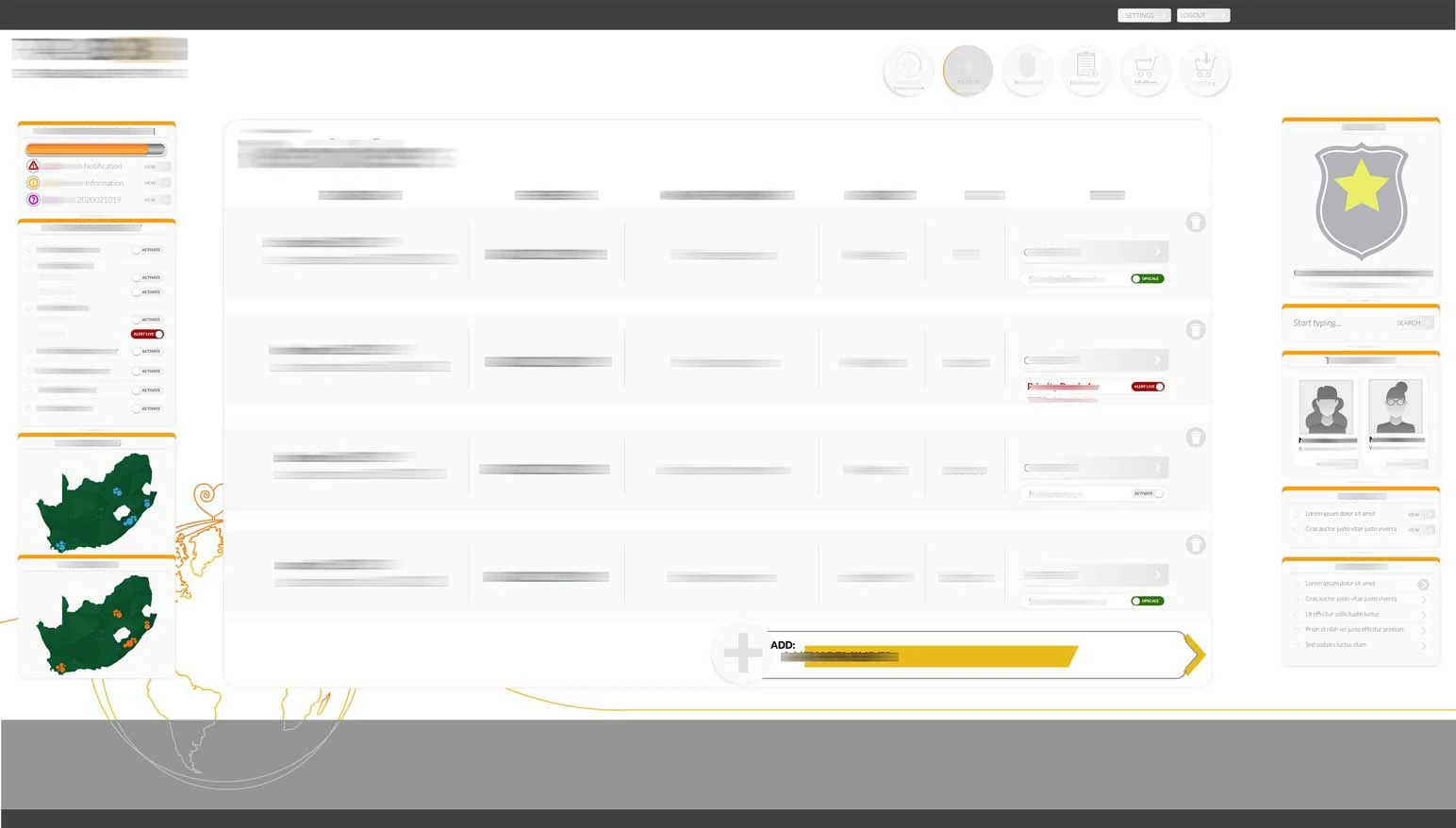
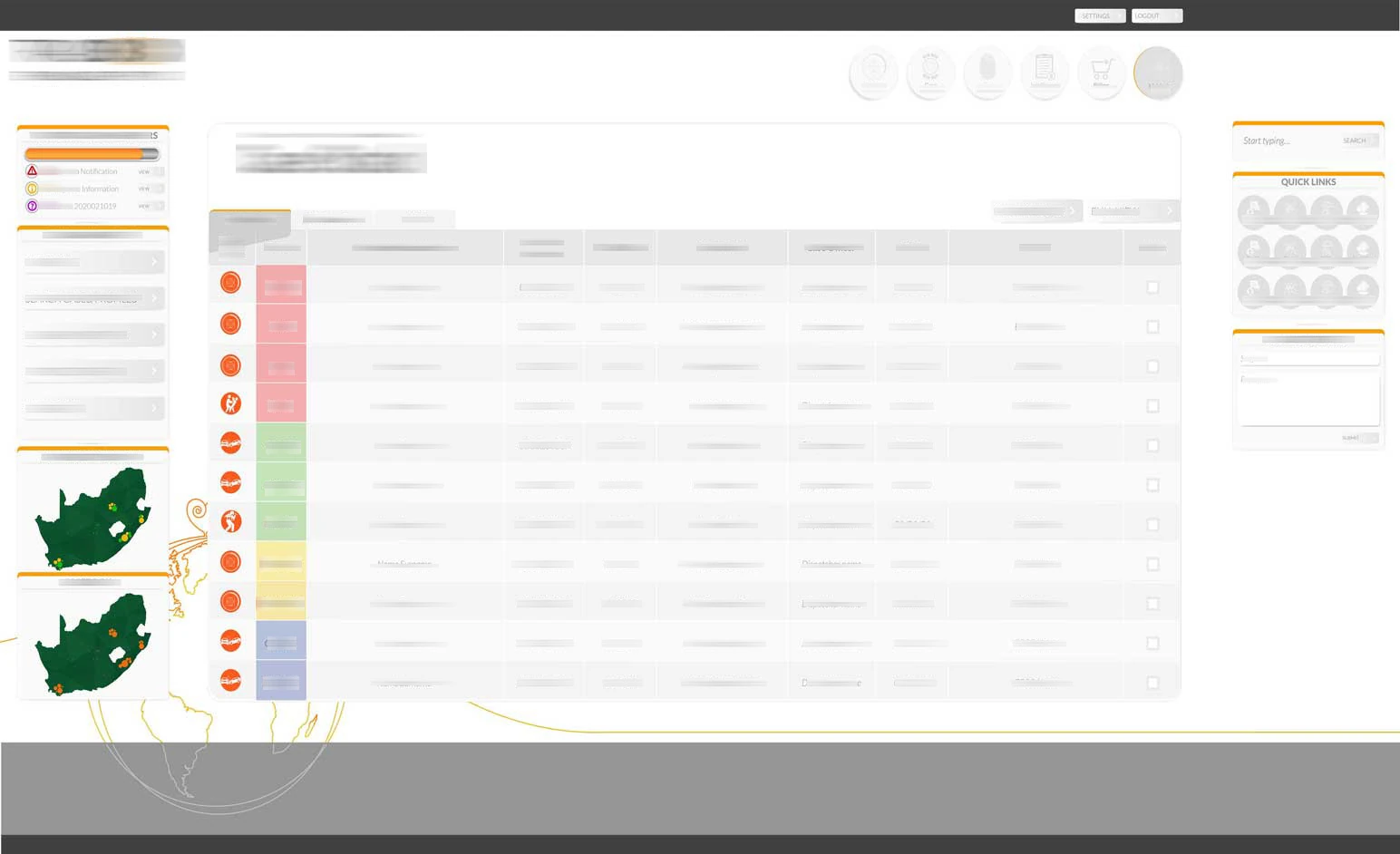
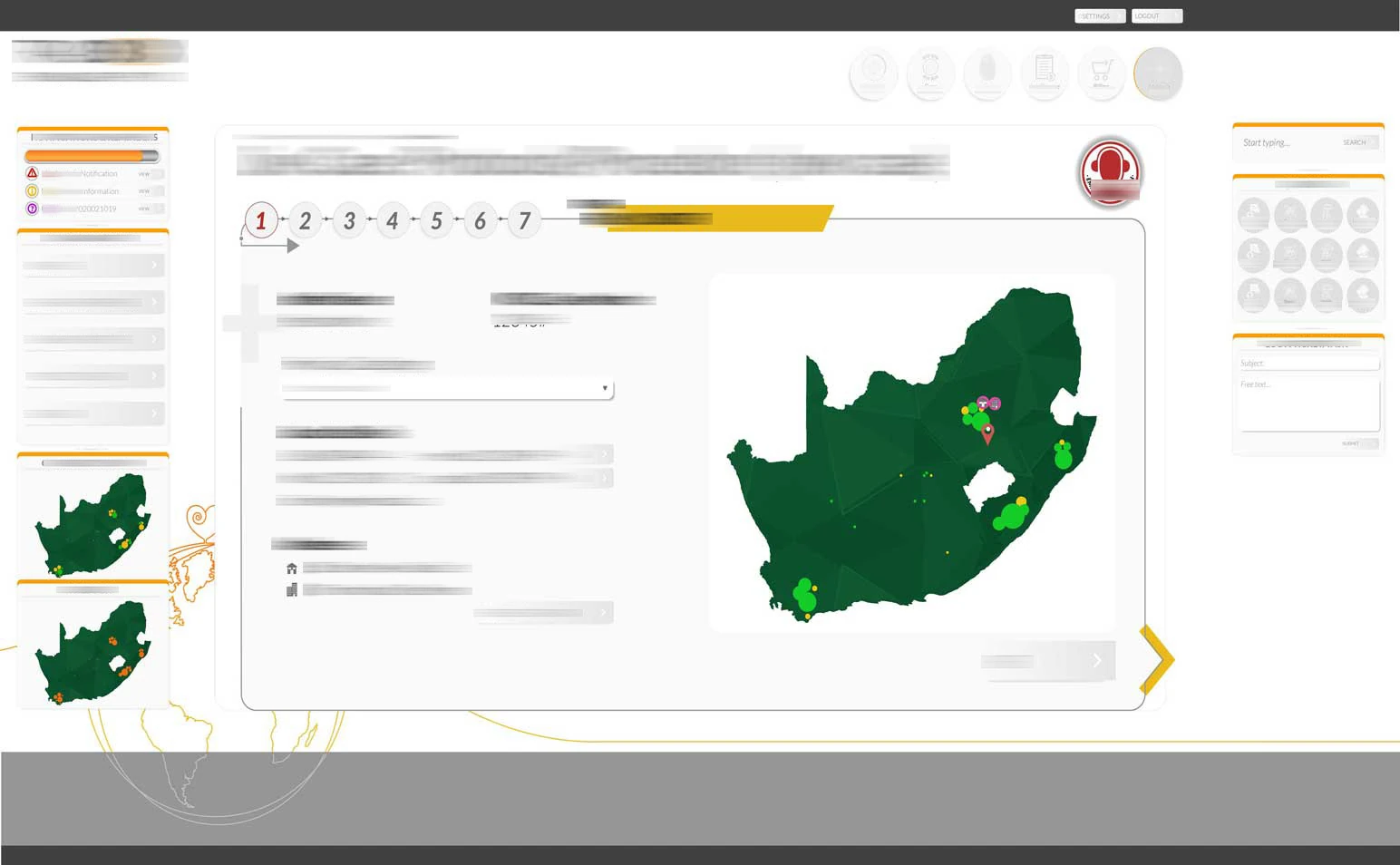
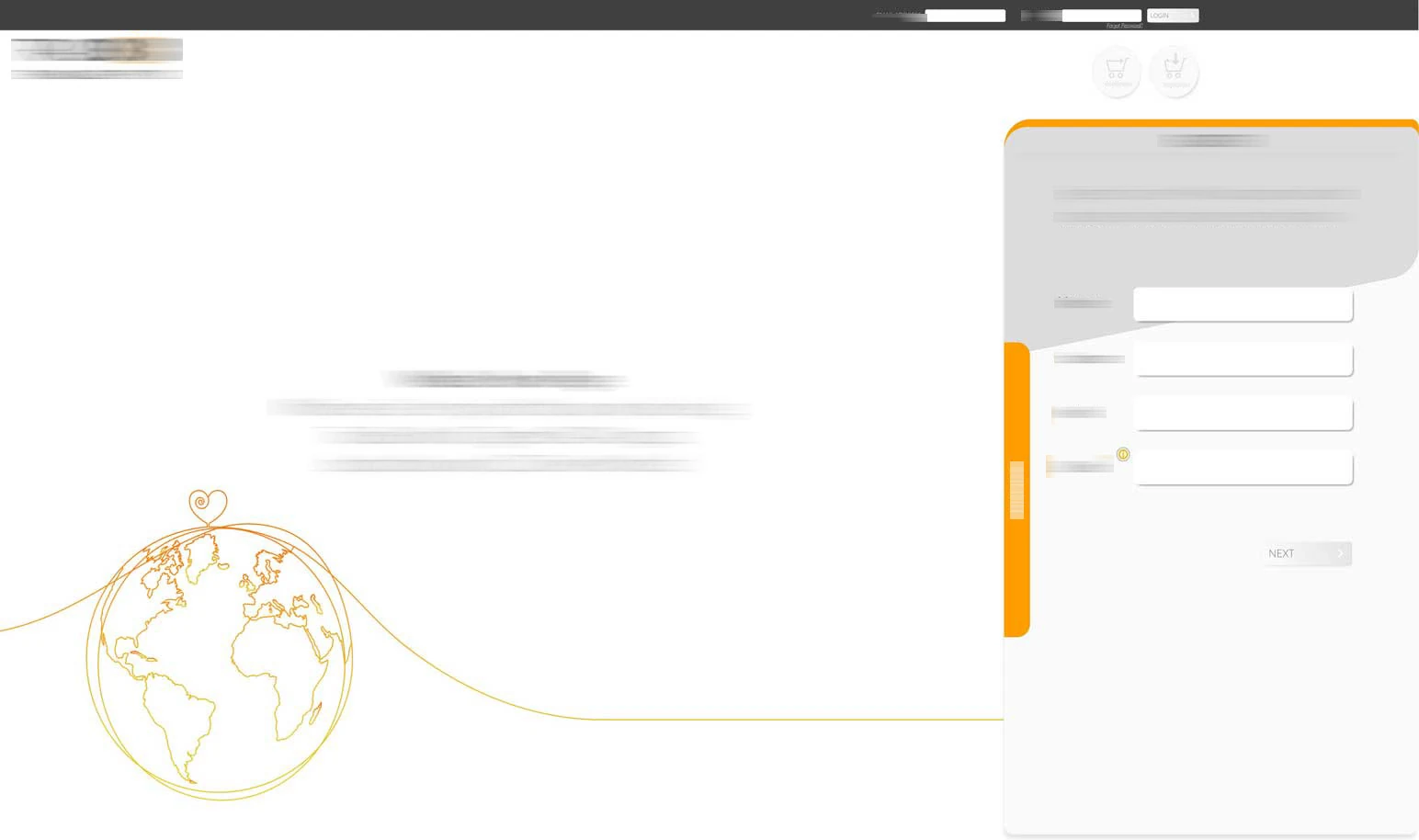
Browse the original project artwork and interfaces using the thumbnails below. Select View full screen for a closer look, then Close image to return.
 View full screen
  View full screen
  View full screen
  View full screen
  View full screen
  View full screen
  View full screen
  View full screen
  View full screen
  View full screen
  View full screen
  View full screen